
The Teach.Dance app
Teach.Dance on your phone
Your courses, the blog and the community in one free app for iPhone, iPad and Android. Sign in with your Teach.Dance account and take it into the studio with you.


New to Teach.Dance? Create your free account first, then sign in on the app.
What’s in the app
What you can do in the app
The app is built around the same three things as the website: courses, content and community. Here’s what that looks like on your phone.
01
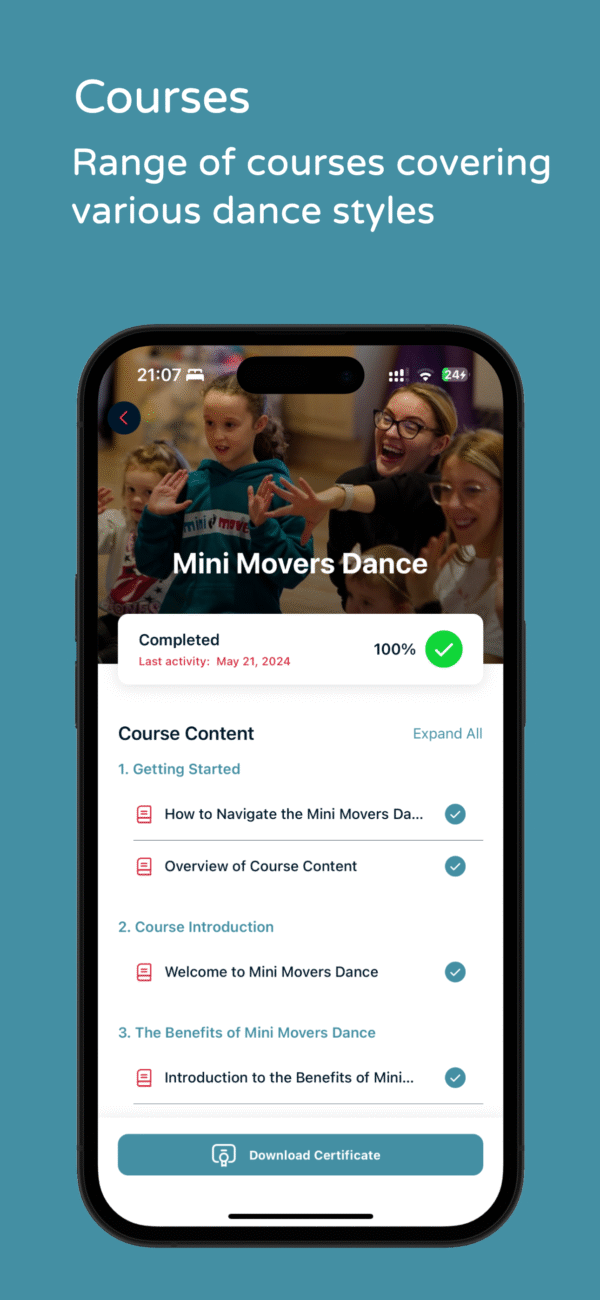
Your courses
Work through your courses lesson by lesson, see how far you’ve got, and download your certificate when a course has one.
02
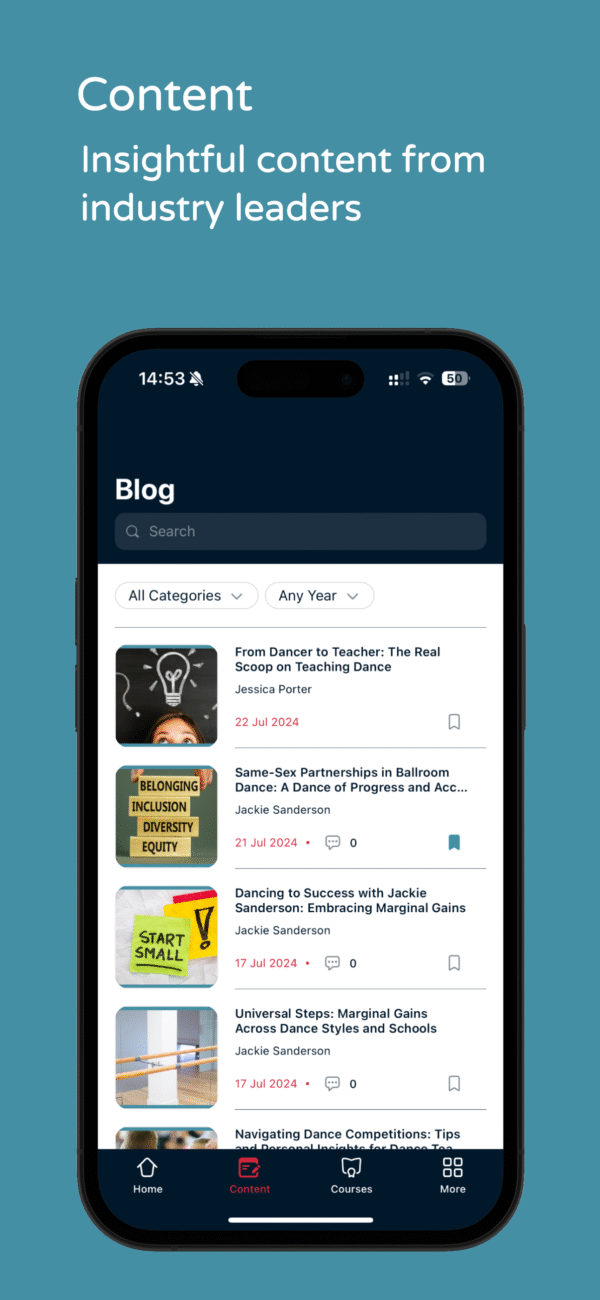
The blog
Read the latest articles, search them, filter by category and save the ones you want to come back to.
03
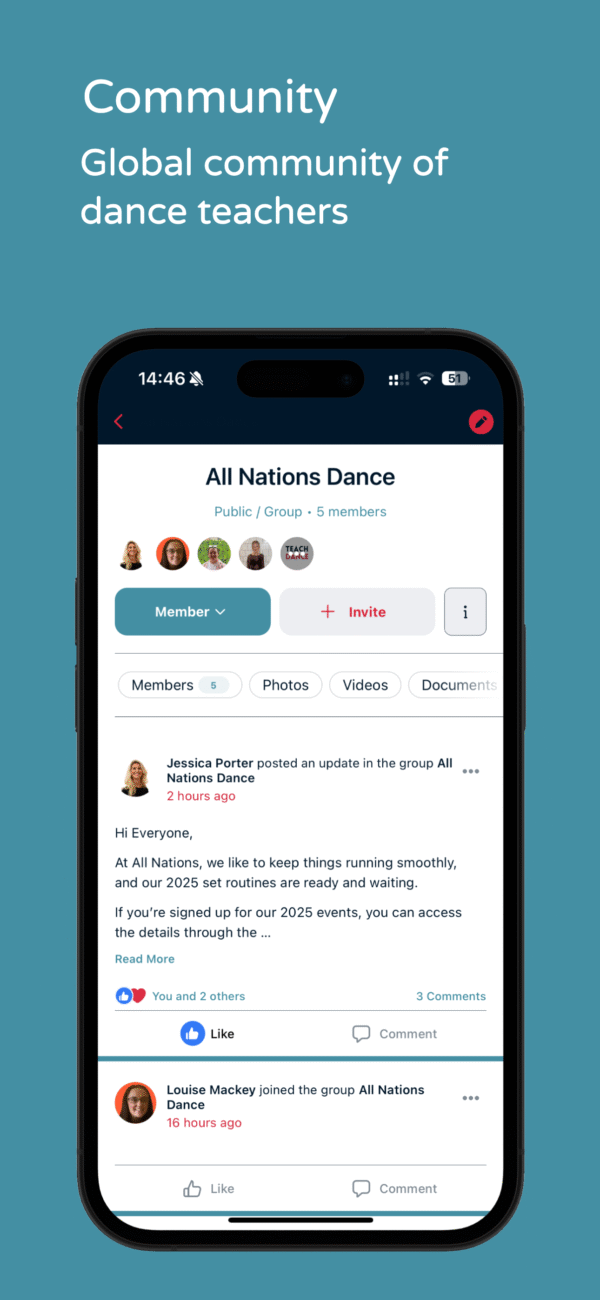
Community
Join groups, read updates from other teachers, and like and comment on posts.
04
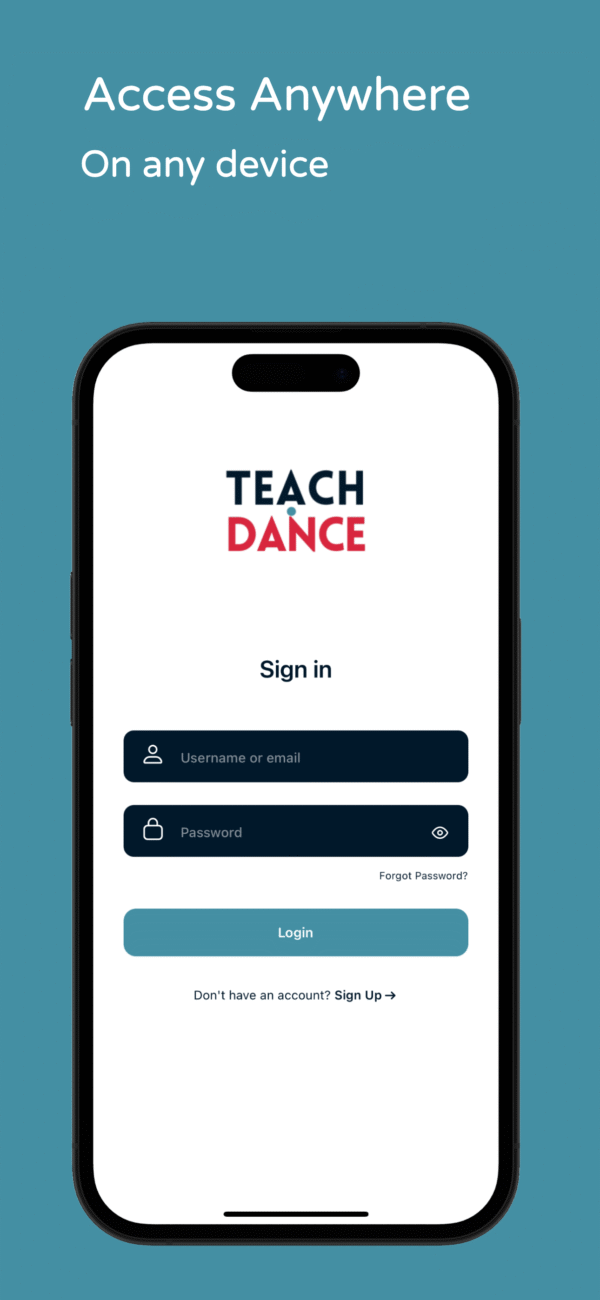
Sign in anywhere
Use your Teach.Dance username or email and password, on your phone or your tablet.
Get started
Up and running in three steps
It takes a couple of minutes. You’ll need your Teach.Dance login, or you can create an account first.
01
Download the free app from the App Store or Google Play.
02
Sign in with your Teach.Dance username or email and password. No account yet? Create one on our website.
03
Use the menu at the bottom of the screen to move between Home, Content, Courses and More.
Questions
App questions
Is the app free?
Yes, it’s free to download. Some courses are paid, and the App Store notes that the app offers in-app purchases.
Which devices does it work on?
iPhone and iPad with iOS 15.5 or later, from the App Store, and Android devices from Google Play.
Do I need a Teach.Dance account?
Yes. Sign in with the same username or email and password you use on the Teach.Dance website. If you’re new, create your free account first.
Something isn't working. What should I do?
Tell us about it using the bug report form below. Screenshots really help us find the problem.
How do I delete my account?
Email us from the address on your account. There’s more about how account deletion works further down this page.
Support
Report a bug
If something in the app isn’t working, let us know. Screenshots help a lot, and so do these details:
01
What you were trying to do
02
What happened instead
03
Your phone or tablet, if you know it
You can also email us at [email protected].
Your account
Deleting your account
To delete your Teach.Dance account, email us at [email protected] from the address linked to your account. Put “Account Deletion Request” in the subject line and add a short note about your request.
What happens next
01
We check it's you
We verify the request by making sure the email address matches the one on your account.
02
Deleted within 7 days
Once we’ve verified it, we remove your profile and all associated personal information from our servers within 7 days.
03
Records we must keep
In some cases the law requires us to keep certain data, such as transaction records. We store it securely and don’t use it for anything else.
04
It can't be undone
After your account is deleted, you lose access to all your data permanently. There’s no way to recover it once deletion is complete.
New to Teach.Dance?
Create your free account on the website, then sign in on the app with the same details.

